


Introduction
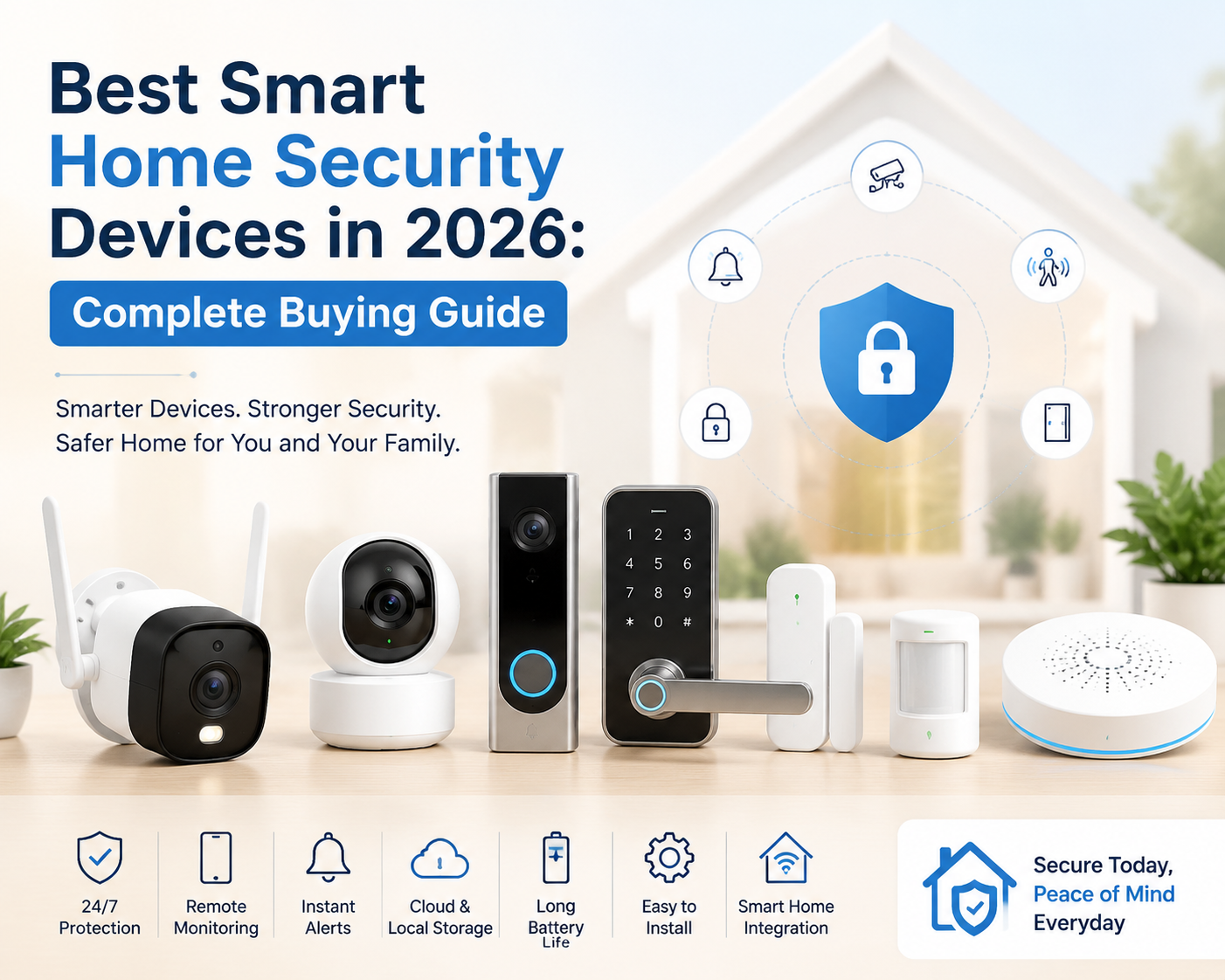
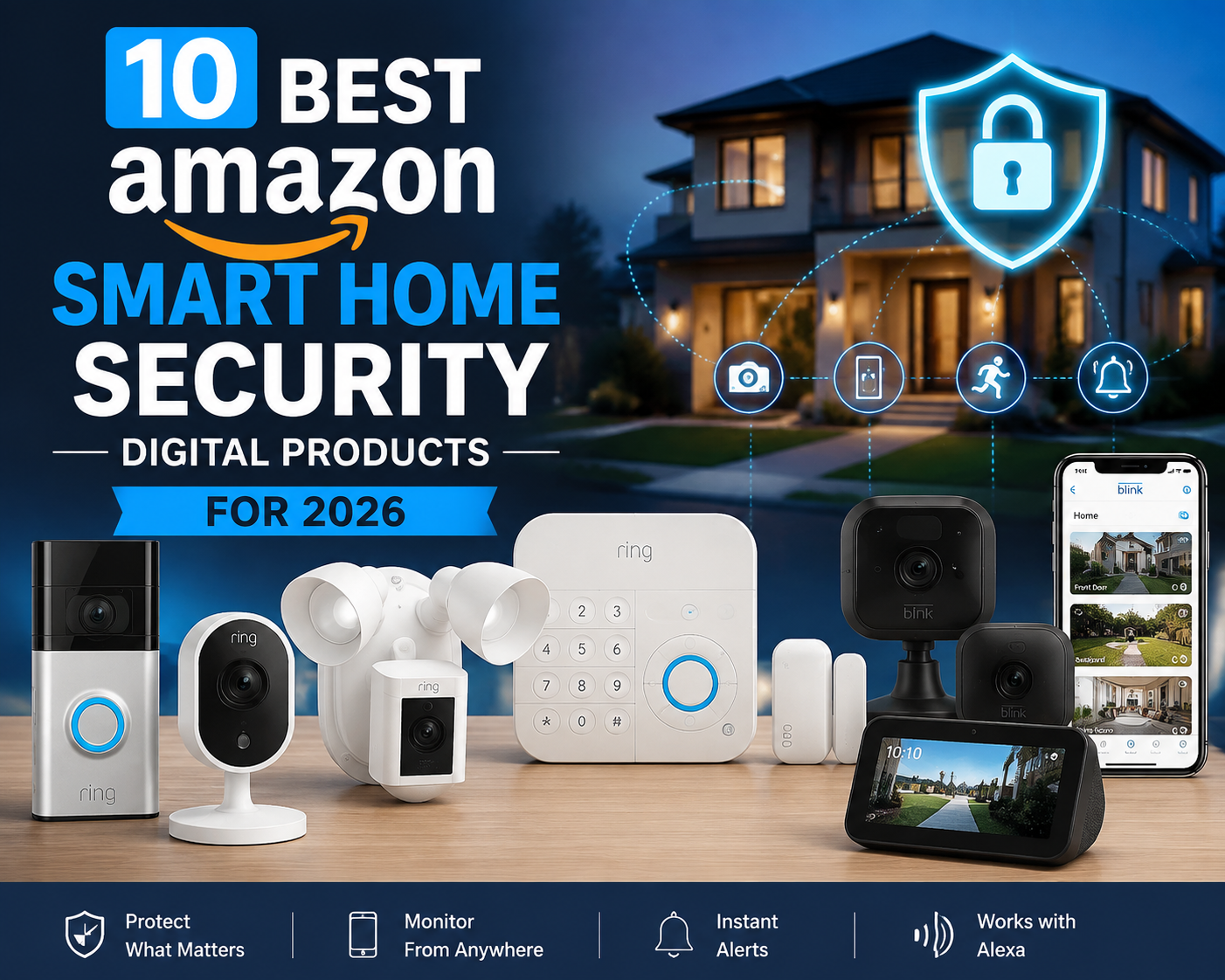
Choosing the best smart home security devices in 2026 can help homeowners improve safety with AI-powered cameras, smart locks, sensors, and connected security systems.
Home security is becoming smarter, more connected and easier to manage. In 2026, homeowners no longer need to depend only on traditional locks, alarms and CCTV systems. Modern smart home security devices can combine cameras, motion sensors, smart locks, video doorbells, alarms and mobile notifications into one connected security setup.
The best smart home security devices in 2026 can help you monitor your home remotely, receive instant alerts, communicate with visitors, detect unusual activity and control security devices from your smartphone. Some systems can also distinguish between people, animals and vehicles, helping reduce unnecessary alerts.
For Indian homes, apartments, villas and independent houses, choosing the right combination of smart security cameras, doorbell cameras, sensors and smart locks is more important than simply buying the most expensive device.
This complete buying guide explains the major types of smart home security devices, important features to look for, recommended options and how to build a practical home security system.
Best Smart Home Security Devices in 2026: The Future of Connected Home Protection
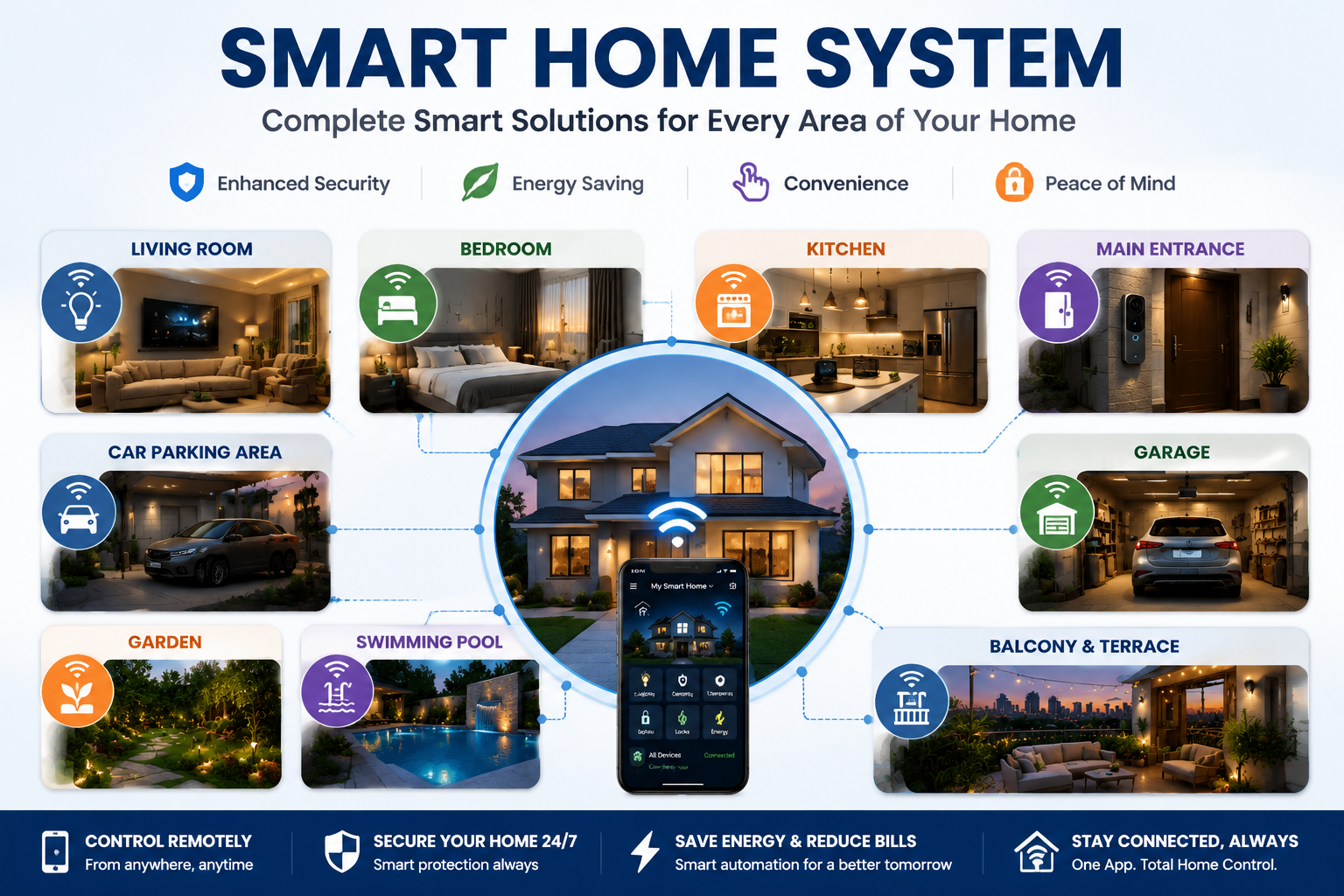
The demand for smart home security devices is rapidly increasing as homeowners look for smarter, safer and more convenient ways to protect their families and properties. Modern security solutions combine advanced technologies such as artificial intelligence, real-time alerts, remote monitoring and automation to create a complete smart home security system that works efficiently around the clock. From smart cameras and video doorbells to smart locks, motion sensors and security hubs, these devices help homeowners monitor activities, prevent potential threats and stay connected from anywhere using a smartphone.
In 2026, the latest smart home security devices are becoming more intelligent with features like AI-based human detection, facial recognition, cloud and local storage options, voice assistant support and seamless integration with other smart-home products. Whether you live in an apartment, villa or independent house, choosing the right security devices can provide an additional layer of protection and peace of mind.
A well-designed smart home security system does not depend on a single device. Instead, it combines multiple security solutions that work together, such as outdoor cameras for entrances, door and window sensors for access points, smart alarms for immediate warnings and hubs for centralized control. This connected approach allows users to receive instant notifications, automate security actions and manage their entire home protection system easily.
With continuous improvements in technology, smart home security devices are now more affordable, user-friendly and accessible for everyday users. Before purchasing, consider important factors such as video quality, AI detection accuracy, privacy protection, storage options, installation requirements and compatibility with your existing smart-home ecosystem.
Investing in the right smart home security system helps create a safer living environment where technology actively supports your family’s security, convenience and peace of mind.
Table of Contents
Best Smart Home Security Devices in 2026: Quick Overview
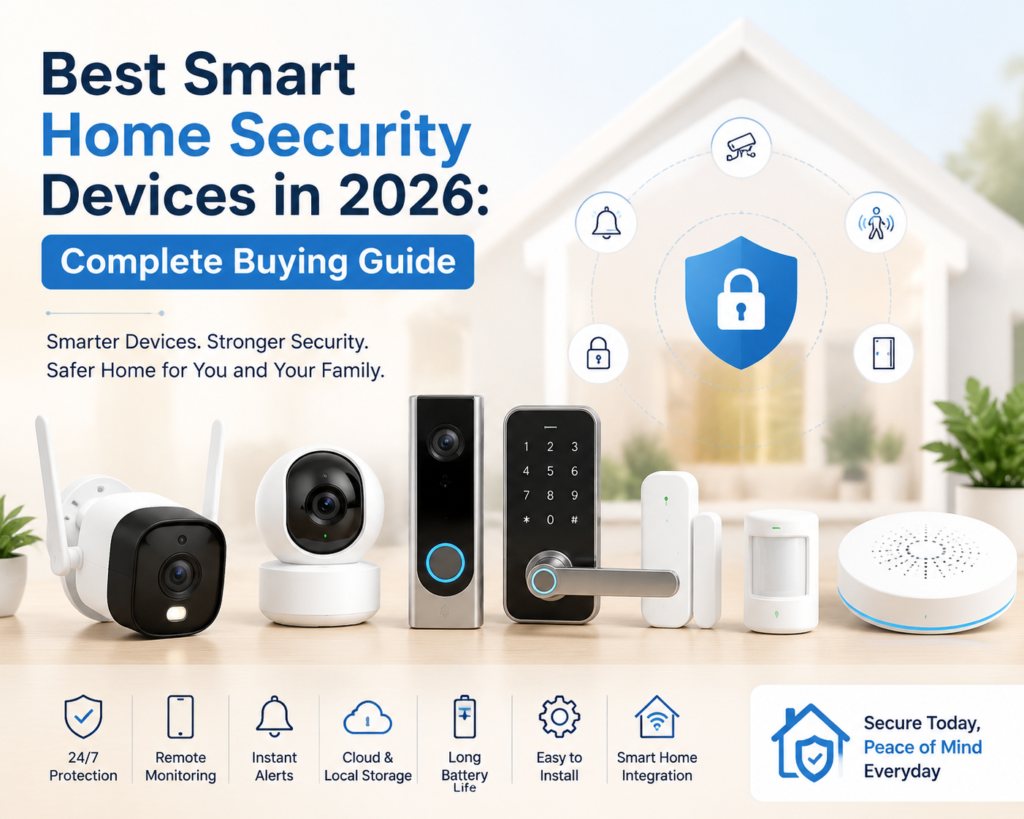
The following best smart home security devices in 2026 offer advanced features for different security needs and budgets.
| Device | Best For | Important Features |
|---|---|---|
| Smart Security Camera | Indoor monitoring | AI detection, night vision, two-way audio |
| Outdoor Security Camera | Garden, entrance & parking | Weather resistance, night vision, motion tracking |
| Video Doorbell | Front-door protection | Visitor detection, two-way talk, video recording |
| Smart Lock | Keyless entry | PIN, fingerprint, smartphone control |
| Motion Sensor | Intrusion detection | Motion alerts, automation |
| Door/Window Sensor | Entry-point protection | Instant opening alerts |
| Smart Alarm/Siren | Deterring intruders | Loud alarm, app notifications |
| Smart Hub | Connecting security devices | Centralized control and automation |
| Floodlight Camera | Outdoor security | Camera + lighting + alarm |
1. Smart Security Cameras – Essential for Home Monitoring
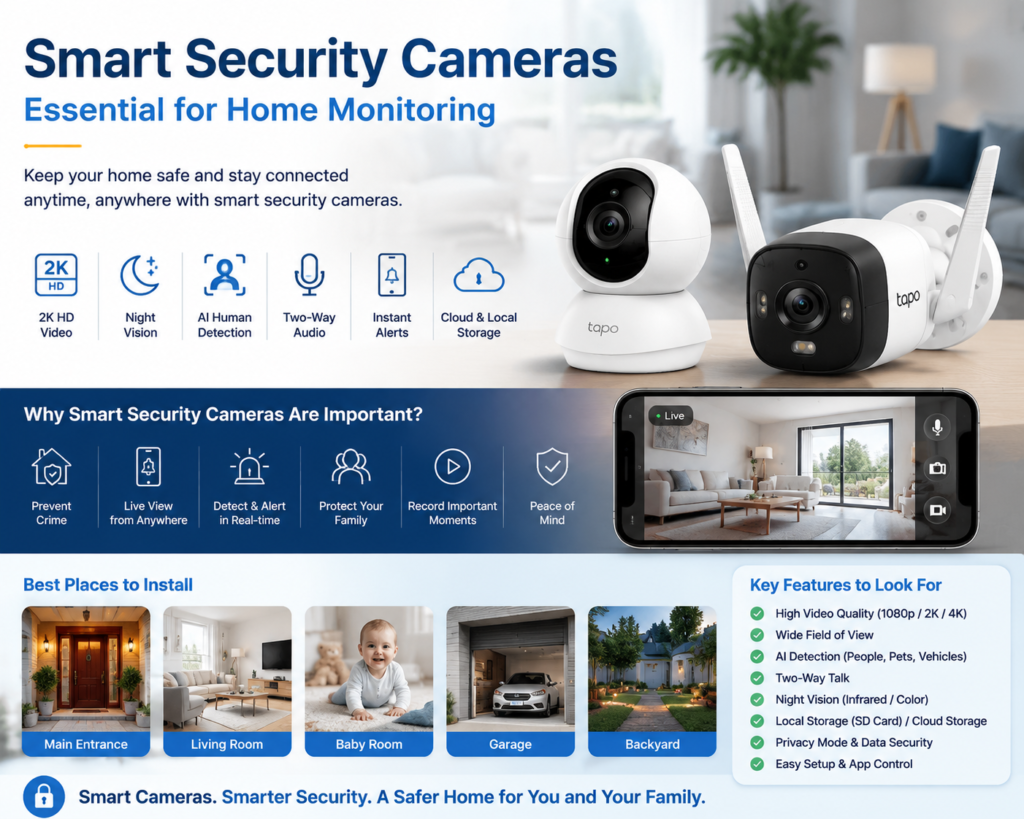
A smart security camera is one of the first devices you should consider when building a smart home security system.
Modern cameras can provide live video, motion detection, night vision, two-way communication and smartphone alerts.
For example, Google’s current Nest Cam lineup includes indoor, outdoor and battery-powered options. The newer wired Nest Cam models offer 2K HDR video, while the battery model offers 1080p HDR and intelligent person, animal and vehicle alerts.
Important features to look for:
- 2K or higher video resolution
- AI person detection
- Night vision
- Wide field of view
- Two-way audio
- Motion tracking
- Activity zones
- Smartphone notifications
- Local storage or cloud storage
- Privacy mode
- Weather resistance for outdoor use
Best for:
Homeowners who want continuous visual monitoring and remote access.
2. Outdoor Security Cameras – Best for Entrances and Open Areas
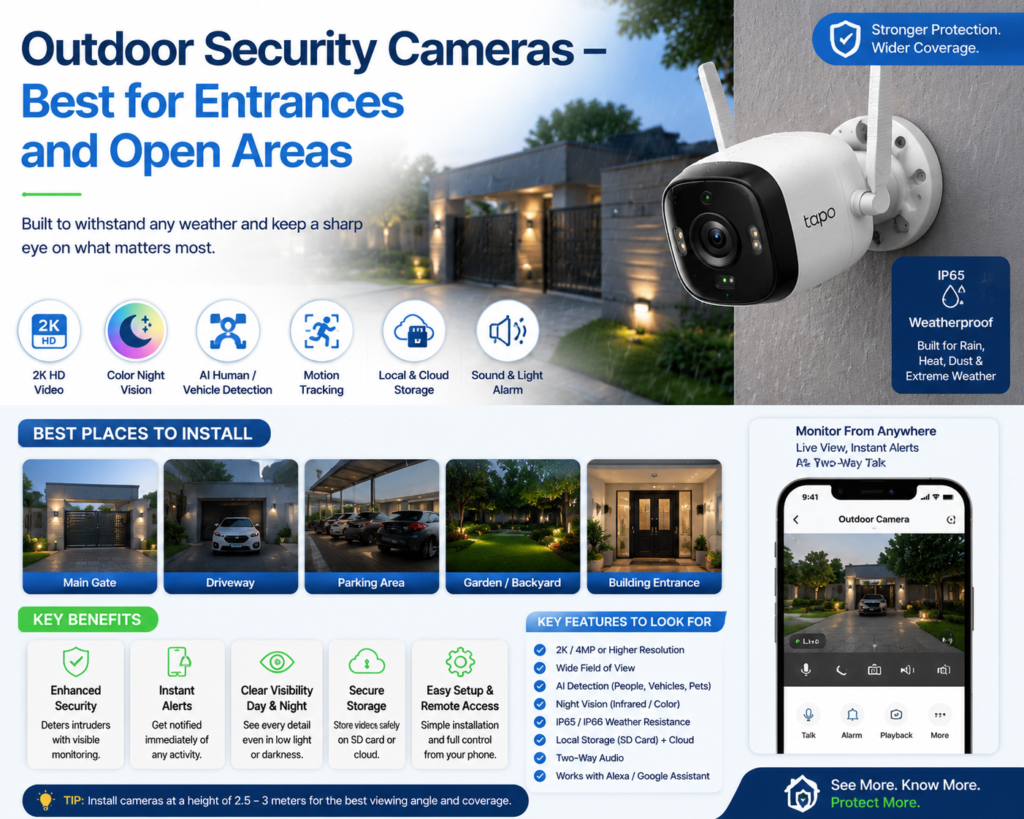
Outdoor cameras are designed to protect areas such as:
- Main gates
- Driveways
- Parking areas
- Gardens
- Balconies
- Backyards
- Building entrances
Weather resistance is particularly important for outdoor installation. Look for an IP65 or IP66-rated security camera where appropriate.
TP-Link’s Tapo range, for example, includes outdoor models with features such as 2K video, color night vision, AI detection, motion tracking, local storage and weather-resistant designs.
What to check before buying:
Resolution: 2K is a strong starting point for outdoor monitoring.
Night vision: Look for infrared or full-color night vision.
Viewing angle: A wider field of view can reduce blind spots.
AI detection: Person, vehicle and pet detection can make notifications more useful.
Storage: Check whether the camera supports microSD, cloud storage or both.
3. Video Doorbells – Best Smart Security for the Front Door
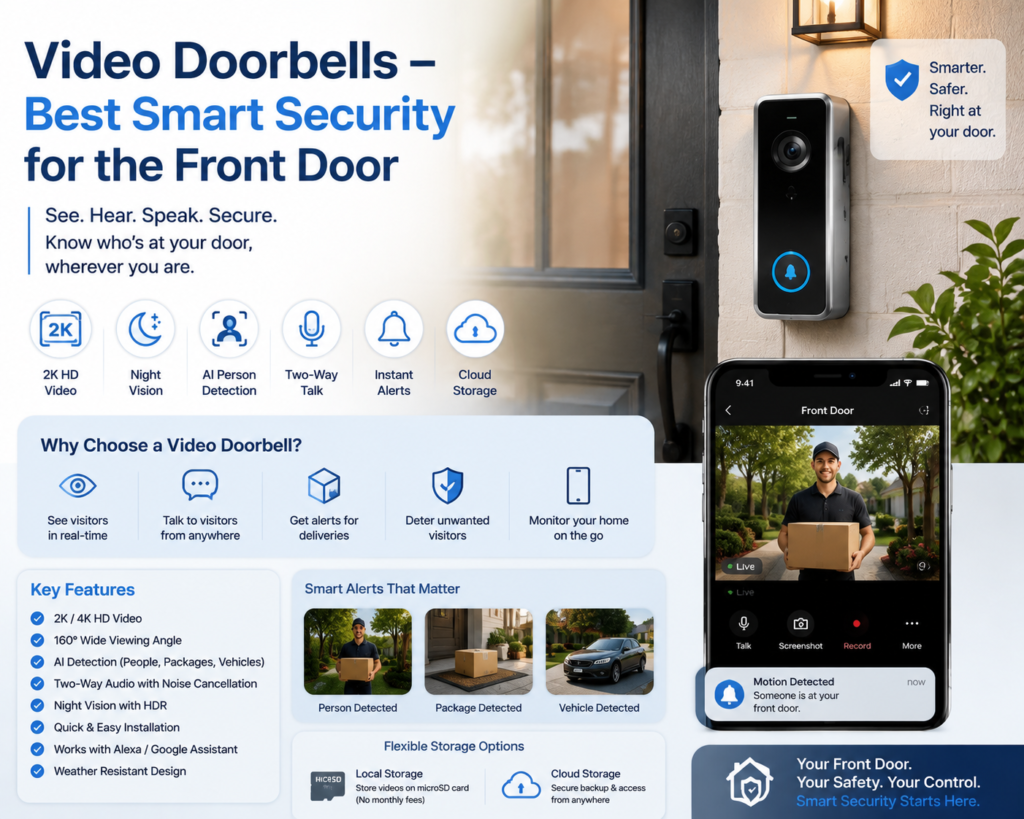
A smart video doorbell combines a traditional doorbell with a security camera.
It can allow you to see who is at your door, receive visitor notifications and communicate through two-way audio.
Some newer video doorbells also provide advanced detection capabilities. Ring’s current Wired Doorbell Pro, for example, offers 4K head-to-toe HDR video and advanced security features.
Key features:
- HD/2K/4K video
- Night vision
- Two-way talk
- Person detection
- Package detection
- Motion alerts
- Wide viewing angle
- Cloud or local storage
- Smartphone notifications
Why buy a smart doorbell?
You can check the front door even when you are away from home. It can also be useful for monitoring deliveries and unexpected visitors.
4. Smart Locks – Upgrade Your Door Security
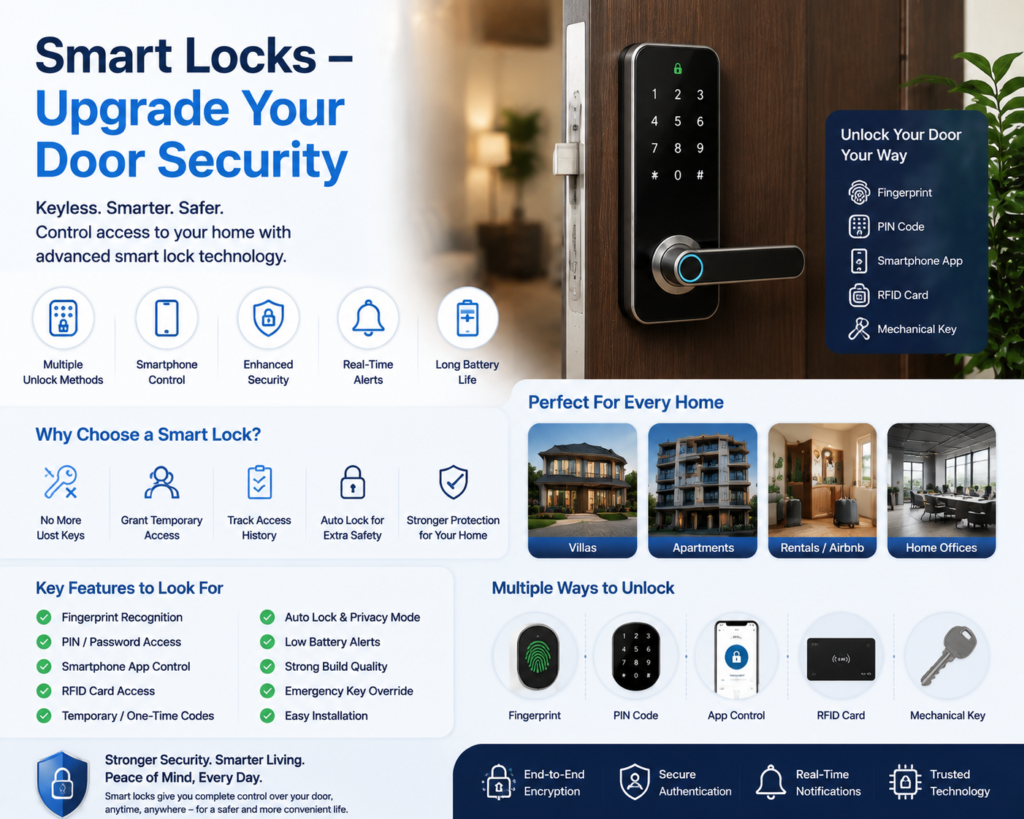
A smart lock can replace or complement a traditional door lock.
Depending on the model, you may be able to unlock your door using:
- Fingerprint
- PIN code
- Smartphone
- Bluetooth
- NFC
- Physical key
- Temporary access codes
Some smart locks can also integrate with broader smart-home ecosystems.
For example, TP-Link’s Tapo ecosystem includes smart locks with keypad, Wi-Fi, Bluetooth, voice-assistant and physical-key access options.
Look for:
- Strong mechanical construction
- Fingerprint recognition
- PIN access
- Emergency key override
- Low-battery warning
- Auto-lock
- Temporary access codes
- Smartphone control
- Installation compatibility with your door
Important: Always check whether a smart lock is compatible with your existing door and lock mechanism before purchasing.
5. Door and Window Sensors – Simple but Highly Useful
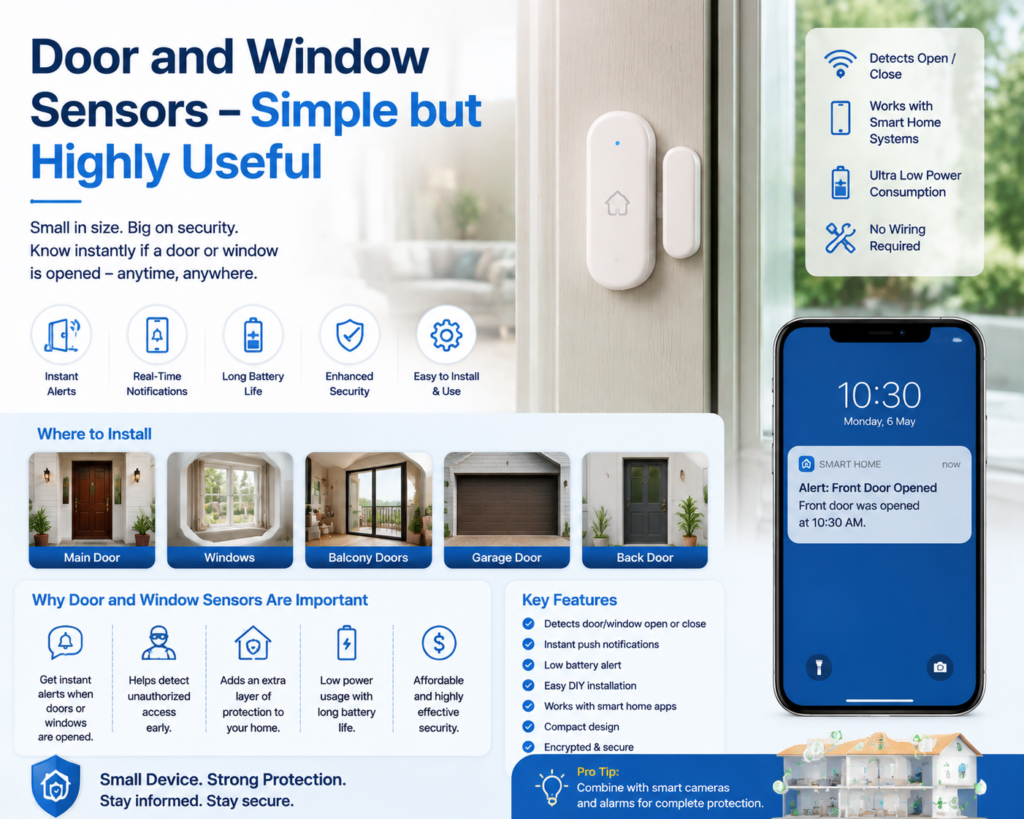
Smart door and window sensors are among the most affordable security devices.
A typical sensor has two parts. When the door or window opens, the sensor detects the change and can send an alert to your phone or trigger an alarm.
Ideal locations:
- Main door
- Back door
- Bedroom windows
- Ground-floor windows
- Balcony doors
- Garage doors
These sensors are particularly useful because they can provide an additional layer of protection even when a camera cannot clearly see an entry point.
6. Motion Sensors – Detect Activity Inside Your Home
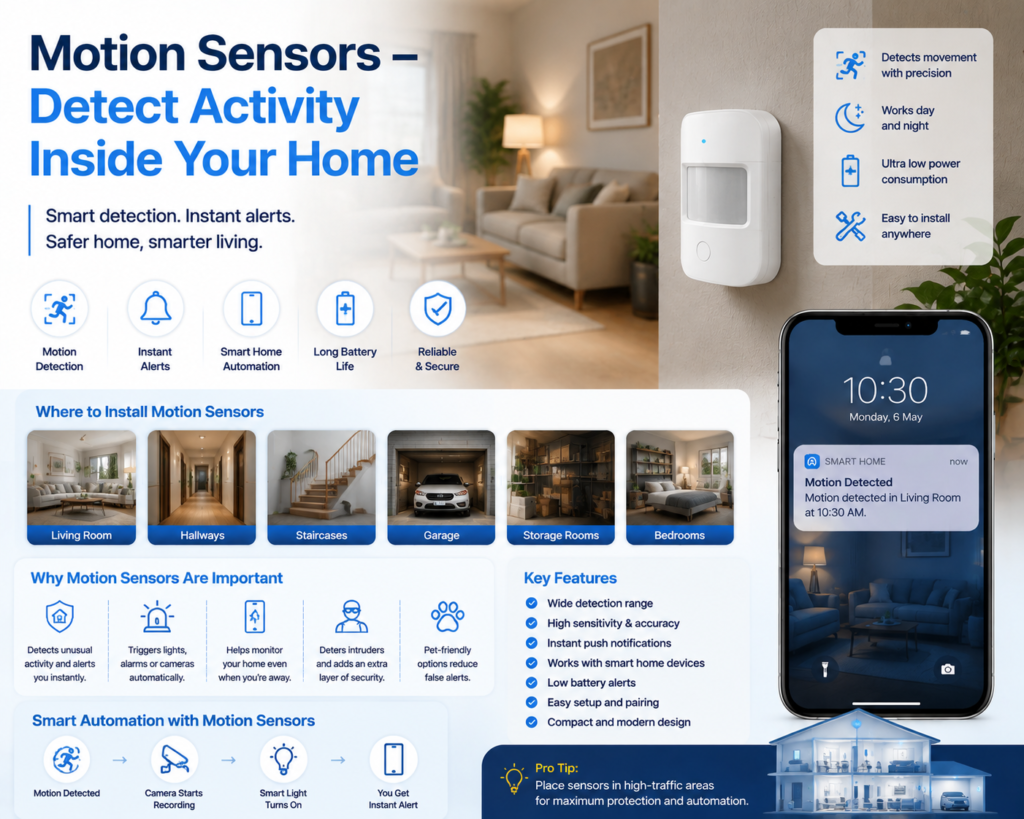
A smart motion sensor detects movement within a specific area.
You can place motion sensors in:
- Living rooms
- Hallways
- Staircases
- Garages
- Entry areas
- Storage rooms
A good smart home security system can connect motion sensors with cameras, lights and alarms.
For example:
Motion detected → Camera starts recording → Smart light turns on → Phone receives notification.
This type of automation can make your security system more responsive.
7. Smart Alarm and Siren – Create an Immediate Warning
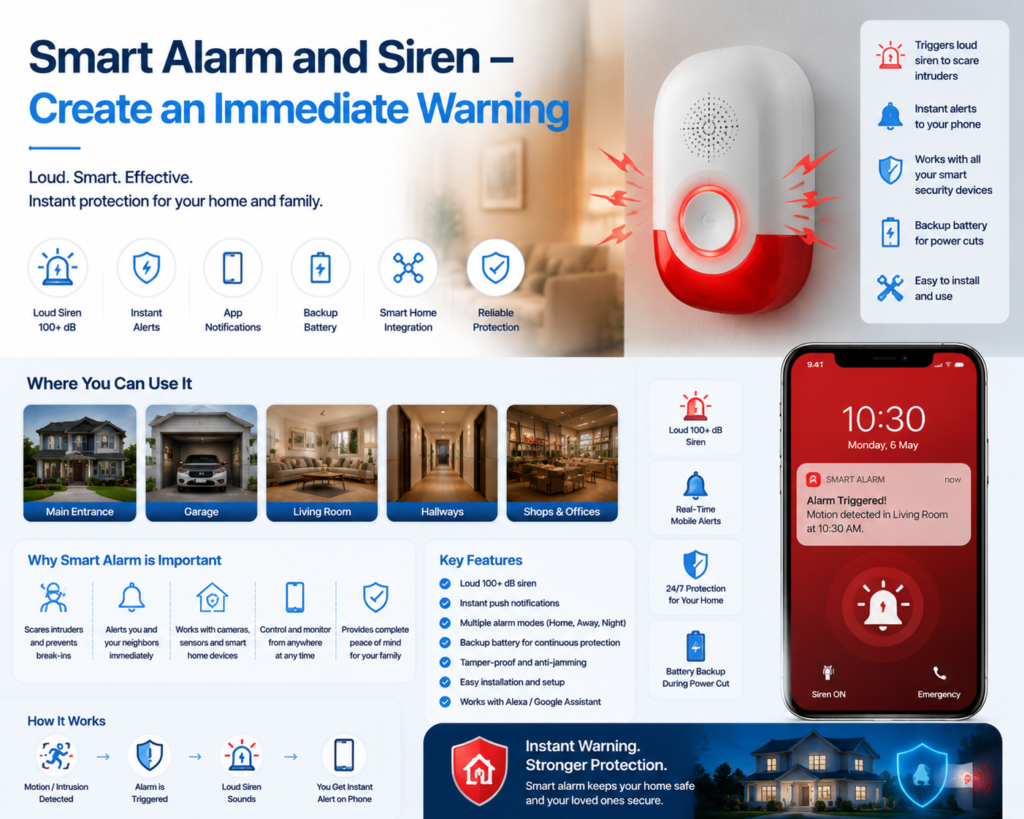
Cameras help you see what is happening, but a smart alarm system can provide an immediate audible warning.
A smart siren can potentially:
- Sound when a sensor is triggered
- Warn people inside the home
- Deter unwanted visitors
- Send smartphone notifications
- Work with cameras and door sensors
Some security cameras also include built-in sound and light alarms. TP-Link’s Tapo outdoor cameras, for example, offer sound/light alarm functionality on several models.
8. Floodlight Security Cameras – Camera + Light + Alarm
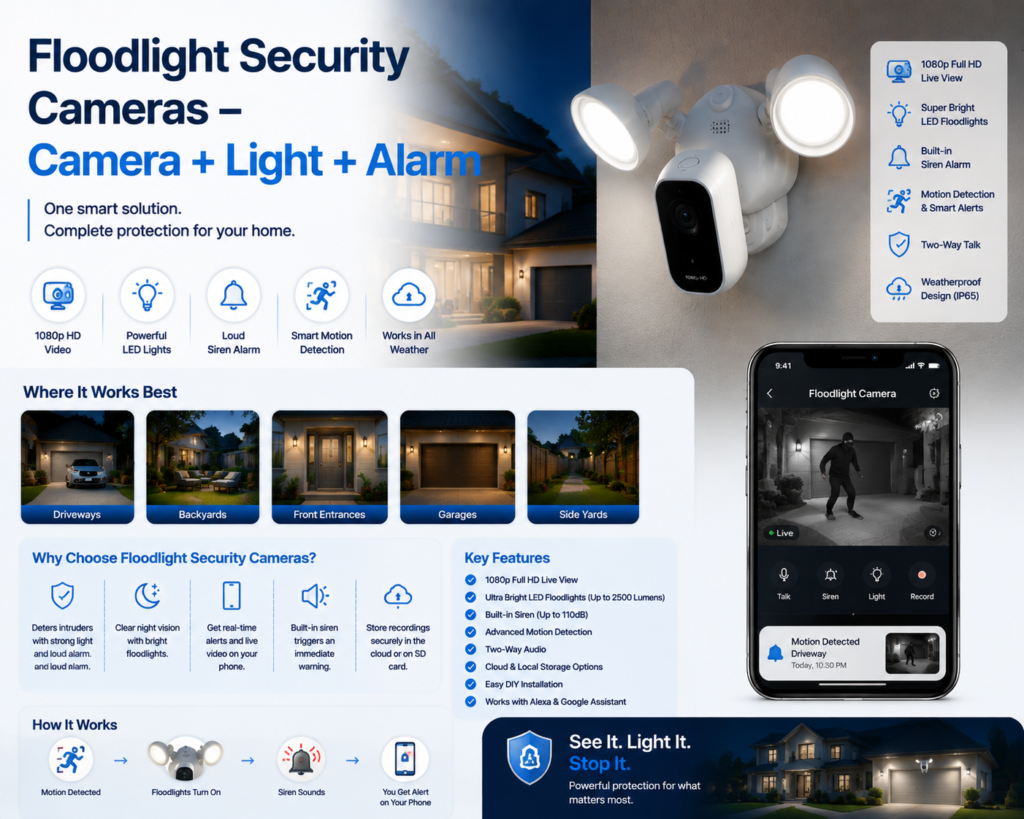
A floodlight camera combines three useful security functions:
Camera + Powerful Light + Alarm
This makes it particularly useful for:
- Driveways
- Main gates
- Parking areas
- Backyards
- Large outdoor spaces
The floodlight can illuminate an area when motion is detected, while the camera records the event.
For larger properties, this can be more practical than installing separate lighting and camera systems.
9. Smart Home Security Hubs – Connect Everything Together
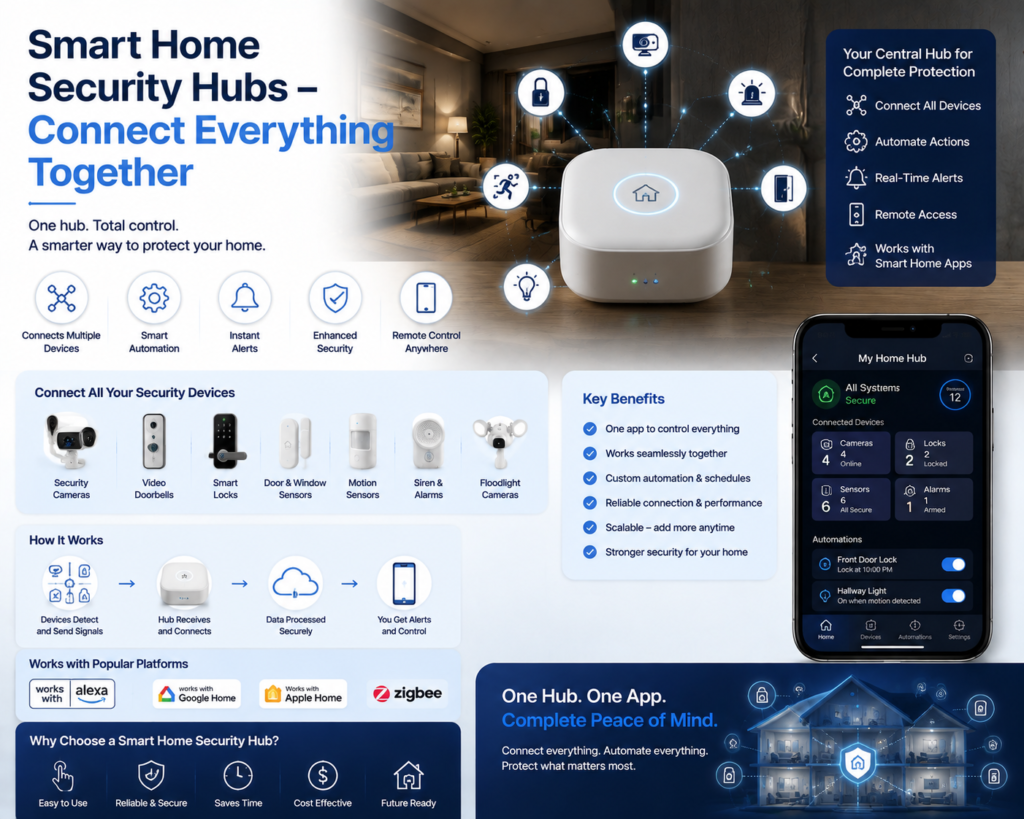
A smart home hub can act as the central controller for compatible devices.
Depending on the ecosystem, a hub may connect:
- Security cameras
- Door sensors
- Motion sensors
- Smart locks
- Alarms
- Lights
- Other smart-home devices
Aqara, for example, offers camera hubs and smart security products designed to combine security and home automation functions. Its current camera lineup includes the Camera Hub G5 Pro and other camera/doorbell products.
A hub-based setup can be particularly useful if you want multiple devices from one ecosystem.
Best Smart Home Security Devices by Use Case
Best for Android and Google Home Users
Google Nest Cam
Nest Cam integrates closely with the Google Home ecosystem and offers intelligent alerts for people, animals and vehicles.
Best for Alexa-Centered Homes
Ring Security Ecosystem
Ring is particularly attractive if your home already uses Amazon Alexa and compatible Echo devices.
Best Budget-Friendly Security Camera Option
TP-Link Tapo
Tapo offers a broad range of security cameras in India, including indoor, outdoor, pan/tilt, battery-powered and solar-powered options. Several models support local microSD storage as well as cloud options.
Best for Smart-Home Automation
Aqara
Aqara is worth considering if you want to combine security sensors, cameras and smart-home automation within one ecosystem.
What to Look for When Buying Smart Home Security Devices
1. Video Resolution
Resolution directly affects how much detail you can see.
Recommended:
- 1080p – Basic monitoring
- 2K – Better everyday security
- 4K – Maximum detail for larger areas
However, resolution isn’t everything. Lens quality, HDR, night vision and image processing are also important.
2. Night Vision
Security incidents can happen after dark, making night performance extremely important.
Look for:
- Infrared night vision
- Color night vision
- HDR
- Low-light performance
- Built-in spotlight
3. AI Detection
AI-powered detection is becoming one of the most useful features in modern security cameras.
Instead of receiving an alert for every movement, intelligent detection can identify categories such as:
- Person
- Vehicle
- Animal
- Package
- Specific events
This can significantly reduce unnecessary notifications.
4. Local vs Cloud Storage
Before buying a camera, check how your recordings are stored.
Local Storage
Usually uses:
- microSD card
- Network video recorder
- Home hub
Advantages:
- Less dependence on cloud subscriptions
- Convenient for long-term recording
- Can reduce recurring costs
Cloud Storage
Advantages:
- Easier remote access
- Automatic backup
- Less concern about damaged local storage
For example, Tapo cameras such as the C100 and C230 support microSD storage, with cloud storage available through Tapo Care.
5. Privacy Features
Smart cameras are useful, but privacy should always be considered.
Look for features such as:
- Privacy mode
- Privacy zones
- Camera shutter
- Local processing
- Encrypted communication
- Strong account security
- Two-factor authentication
For indoor cameras, avoid pointing cameras toward highly private areas unless there is a specific reason.
6. Wired vs Wireless Security Cameras
Wired Cameras
Advantages:
- Continuous power
- Suitable for 24/7 monitoring
- No battery charging
Disadvantages:
- Installation can be more complicated
- Requires a nearby power/network connection
Wireless Cameras
Advantages:
- Easy installation
- Flexible placement
- Useful for renters
Disadvantages:
- Battery needs charging
- Wi-Fi reliability matters
- Battery life varies according to usage
Google’s battery-powered Nest Cam is designed for wire-free indoor or outdoor placement and can continue to store certain recorded events locally during connectivity or power interruptions.
Best Smart Home Security Setup for an Apartment
If you live in an apartment, you don’t necessarily need a complicated security system.
Recommended setup:
- Smart video doorbell
- Indoor security camera
- Door/window sensor
- Motion sensor
- Smart lock, if compatible with the door
- Smart alarm
This setup can provide protection without requiring extensive installation.
Best Smart Home Security Setup for a Villa
A larger house requires wider coverage.
Recommended setup:
Front Gate
- Outdoor camera
- Floodlight camera
Main Entrance
- Video doorbell
- Smart lock
Living Area
- Indoor camera
- Motion sensor
Back Door
- Door sensor
- Outdoor camera
Ground-Floor Windows
- Door/window sensors
Central Area
- Smart hub and alarm
This creates multiple layers of protection rather than relying on a single camera.
Best Smart Home Security Setup on a Budget
If your budget is limited, don’t buy everything at once.
Start with:
Step 1
Buy one good outdoor or entrance camera.
Step 2
Add a video doorbell if needed.
Step 3
Install door/window sensors.
Step 4
Add an indoor motion sensor.
Step 5
Add a smart alarm or hub later.
This approach allows you to build your smart home security system gradually.
Common Mistakes to Avoid
Buying Only One Camera
A single camera may leave several blind spots.
Choosing Resolution Over Everything Else
A 4K camera isn’t automatically better if its night vision, software or motion detection is poor.
Ignoring Storage Costs
A low-priced camera can become expensive if its essential features require a monthly subscription.
Forgetting Wi-Fi Coverage
A smart security camera needs a reliable network connection.
Installing Cameras Too High
A very high camera can provide a wide view but may make facial identification more difficult.
Ignoring Privacy
Always consider where indoor cameras point and how footage is stored.
Not Securing Your Account
Use strong passwords and two-factor authentication whenever available.
Are Smart Home Security Devices Worth Buying in 2026?
Yes, for many households.
The biggest advantage is that modern security devices combine monitoring, automation and remote access.
Instead of simply recording video, today’s smart security systems can detect activity, classify events, send alerts, illuminate outdoor areas, communicate with visitors and work with other smart-home products.
Google’s current Nest ecosystem, for example, integrates cameras with the Google Home app and offers intelligent detection and expanded video-history features through its premium services.
The key is choosing devices based on your actual home rather than buying the largest number of gadgets.
Final Buying Recommendations
If you are looking for the best smart home security devices in 2026, consider this approach:
🏆 Best Overall Approach
Security camera + video doorbell + sensors + smart lock
💰 Best Budget Approach
One outdoor camera + door/window sensors
🏠 Best for Apartments
Video doorbell + indoor camera + smart lock
🏡 Best for Villas
Multiple outdoor cameras + doorbell + sensors + alarm
🤖 Best for Smart Automation
Camera + sensors + hub + smart lights + smart lock
🔐 Best for Privacy
Local-storage cameras + privacy controls + strong account security
Frequently Asked Questions
What are the best smart home security devices in 2026?
The most useful devices include smart security cameras, video doorbells, smart locks, motion sensors, door/window sensors, smart alarms and security hubs.
What is the most important smart security device?
For most homes, a smart security camera is an excellent starting point because it provides visual monitoring and remote alerts.
Are smart security cameras better than traditional CCTV?
Smart cameras offer features such as smartphone notifications, AI detection, two-way communication and remote access. Traditional CCTV can still be preferable for larger installations requiring dedicated recording and continuous surveillance.
Do smart security cameras require Wi-Fi?
Many consumer smart cameras depend on Wi-Fi, although some models support Ethernet or other networking options. For example, certain Tapo outdoor cameras support both wired and wireless networking.
Is local storage better than cloud storage?
Neither is universally better. Local storage can reduce recurring fees, while cloud storage provides convenient remote backup. A camera supporting both gives you more flexibility.
What should I buy first for home security?
Start with the most vulnerable entry point. For many homes, this means a video doorbell or outdoor security camera, followed by door/window sensors and other devices.
Final Thoughts: Building a Smarter and Safer Home in 2026
The rapid growth of smart technology has transformed the way we protect our homes. The best smart home security devices in 2026 are designed not only to record activity but also to provide intelligent monitoring, instant alerts and better control from anywhere.
A reliable smart home security system does not require every available gadget. The right combination of devices based on your home’s size, security needs and budget can provide effective protection.
For most homes, starting with a smart security camera, video doorbell and entry sensors is a practical choice. Homeowners looking for advanced protection can expand their setup with smart locks, motion sensors, alarm systems and smart home hubs for complete automation.
When selecting security devices, always consider important factors such as:
- Video quality and night vision performance
- AI-based detection accuracy
- Storage options and subscription costs
- Privacy and data protection features
- Compatibility with your existing smart-home ecosystem
- Easy installation and reliable connectivity
In 2026, smart home security is becoming more affordable, intelligent and accessible for apartments, villas and family homes. By choosing the right devices and creating a well-planned security setup, you can enjoy better safety, convenience and peace of mind.
A connected home is not just about smart gadgets — it is about creating a safer environment where technology works proactively to protect what matters most.
The best smart home security devices in 2026 depend on your home size, security requirements, and preferred smart ecosystem.

3 thoughts on “Best Smart Home Security Devices in 2026: Complete Buying Guide”